The success of a website comes from more than just the design. The way a user is able to interact and find what they are looking for defines how positive their experience is going to be.
Since 88% of consumers are less likely to return to a website after they have had a bad experience, the importance of usability principles has never been so apparent.
Having a good grasp of the key principles of usability and making continuous improvements to a website can help a business transform its online presence and improve its conversion rate going forward.
Building the Foundations for Website Usability
Strong website usability doesn’t just happen overnight, it requires a good knowledge of usability principles and ongoing improvement efforts.
Before getting into the principles of usability, it’s important that there are good foundations in place. Starting with the website structure and the content flow is the first step, and the rest should follow from there.
The navigational structure is a huge contributor to user experience. If the layout is confusing or requires someone to click through multiple pages before they find what they’re looking for, it’s going to naturally steer them away from the site.
Similarly, the content also plays a big role in the success of a website. It should be concise yet provide users with all of the information they need to make a decision. Structuring each page in a logical manner and breaking up text with relevant images, videos, or infographics will help people navigate with ease.
Many business owners choose to start the creation process with website templates as they already take the key usability principles into account. Since they have been created by experienced designers who are familiar with website usability, even the most inexperienced of business owners can create a strong website.
Once the main framework of a website is in place, improvements can be gradually made to incorporate the main usability principles.
The Top 7 Principles of Usability
Good website design goes further than the aesthetics. Usability principles consider every aspect of the journey and exactly how a user is interacting.
Let’s discuss seven of the key principles of usability that can transform a website.
1. Site speed
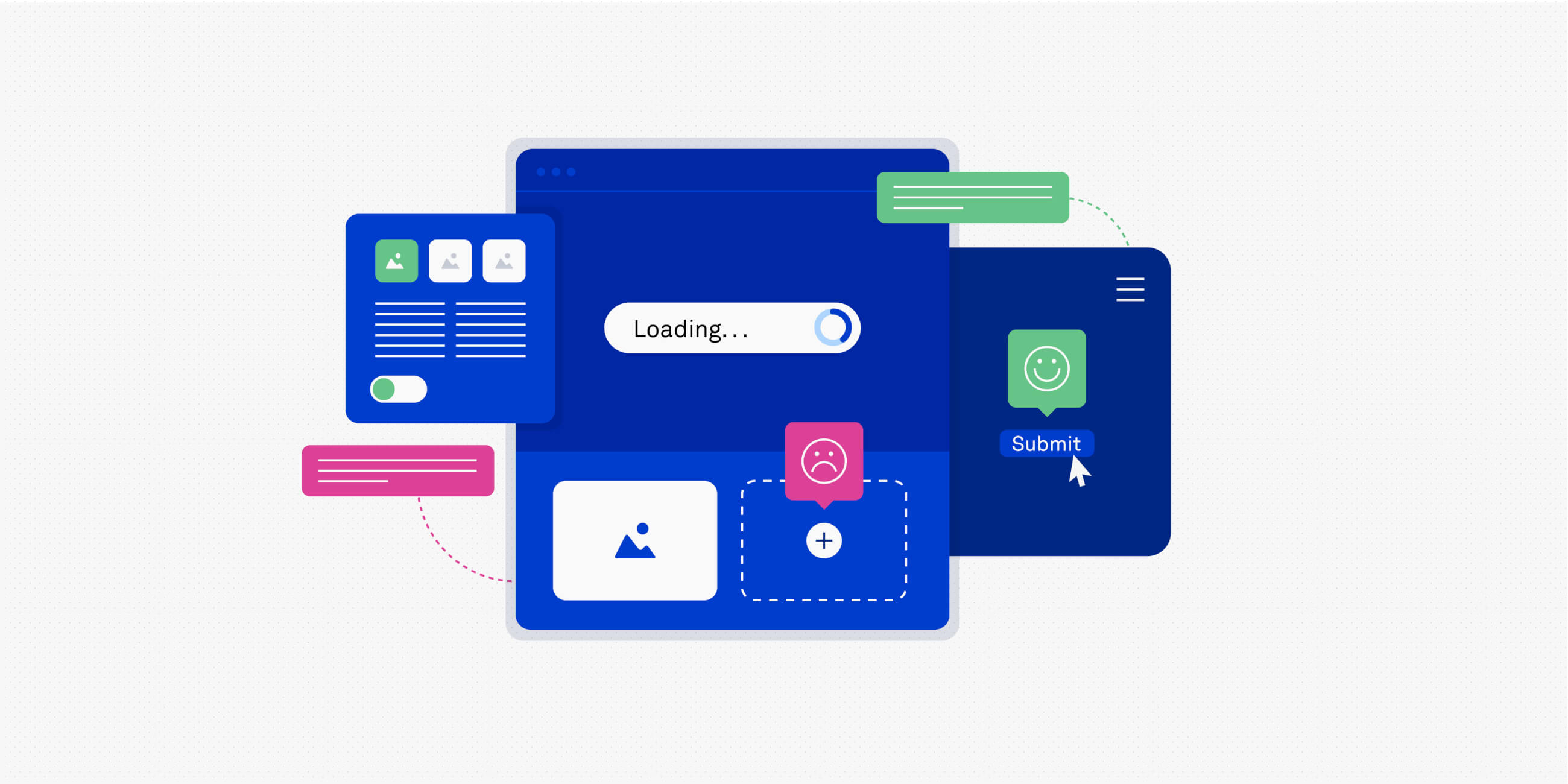
If a user first arrives at a website and is faced with loading delays, it is going to make their first impression a bad one.
Nearly half of users expect a website to load in two seconds or less, so any additional time is going to result in frustration. This also means the likelihood of them clicking straight off is increased, creating a high bounce rate.
Improving site speed should be a main priority for website owners, and there are various ways this can be done.
Finding a reliable hosting provider, optimising large image files, cleaning up backend code, and implementing browser caching are all effective ways to improve site speed and create a better user experience.
2. Natural flow
Every user has an end goal when they arrive at a website, and making sure they are able to achieve this is one of the main principles of usability.
A good flow means people are able to easily move from one page to the next to find what they’re looking for with ease. A good navigational structure and CTA buttons will help point users in the right direction and guide them naturally through the site.
Starting with user-friendly website templates can help establish a logical page structure from the get-go, as they are designed with navigation in mind.
This is also beneficial from a conversion perspective. Creating smooth sales funnels will allow common tasks to be completed easily without distractions and holdups.
3. User communication
One of the key usability principles is user communication as it defines how easy it is for users to interact with a website.
Everyone knows the importance of writing good website copy, but not everybody considers the finer details that provide users with feedback on their actions.
For example, if a contact form submission is sent off but the user does not receive a message of confirmation, they will be unsure whether it was sent and could feel inclined to resubmit it.
Another example is error messages. If there is a problem with the action the user is trying to carry out, pop-up messages can help guide them in the right direction. Without these, they will not know the issue and can quickly become confused and frustrated.

4. Responsive design
Responsive design has become more and more important over the years as more people use their smartphones and tablets to browse the web.
Around 90% of websites have now implemented responsive design to improve their website usability, but there are still a number that do not, making their website unusable for a huge portion of traffic.
A responsive website will automatically adjust to the user’s screen size, adjusting the page format, image layout, and text size accordingly. Without this, it can be almost impossible to carry out the desired action from a small screen.
From a search engine perspective, mobile responsiveness is one of the key usability principles, and sites that do not adapt can face a significant drop in rankings.
5. Accessibility
To ensure that people with visual impairments or physical disabilities can still use a website, accessibility is another of the vital usability principles.
Many website owners fail to consider how their site could be accessed by those using screen readers or magnifiers, and this creates an uninclusive environment.
Making a website accessible requires small changes such as using alt text for images, captioning text boxes on forms, avoiding contrasting colours, and making buttons large enough to click comfortably.
These changes do not impact the typical user experience, but can transform the online experience for those facing limitations.
Learn how to design accessible digital products and comply with global accessibility standards and regulations, take a look at the UX Design Institute’s Professional Certificate in Designing for Accessibility.
6. Credibility
Trust is vital as it determines how comfortable a user is interacting with a website. If they have a reason to worry about the safety of their personal information or the legitimacy of the site, it can make them hesitant to proceed or make a purchase.
It can feel like one of the trickier principles of usability since brand image takes a long time to build up, but there are various ways that credibility can be shown.
Adopting an open and honest approach is key for businesses as transparency instantly instills trust and sets realistic expectations.
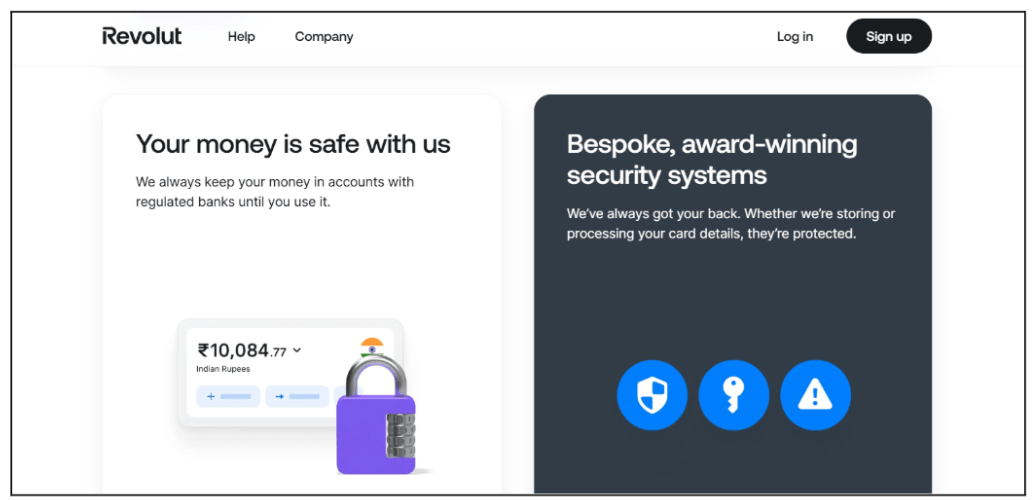
Another good practice is to display any security badges, industry certifications, customer review star ratings, and testimonials from previous clients. Icons are a great way to display any badges as they can be made present on every page to remind users.
7. Accuracy
Although it may seem like a given, the number of websites that include mistakes is incredibly high. Whether that be outdated information, spelling mistakes, inaccurate pricing, or broken interactive features, these errors can affect website usability.
Thorough testing should be carried out before launch to ensure that a website is in full working order throughout. This should also include thorough proofreading to make sure that the copy is all accurate.
After the website goes live, it shouldn’t just sit there. Changes to information or prices should be made right away, and content should be updated on a regular basis to keep it from becoming outdated.
This not only guarantees accuracy, but keeping content up to date shows search engines that it’s still relevant, helping contribute to better rankings.
Creating a Stronger UX Through Usability Principles
Creating a website that is both aesthetically pleasing and functional will help businesses create a strong user experience for their visitors.
Whether creating a new site from scratch using a template or making improvements to an existing site, integrating usability principles is a great way to boost conversions and encourage users to return time after time.
By knowing the key principles of usability and putting them into practice, there are bound to be positive improvements since users can enjoy an enjoyable browsing experience that helps them achieve their goals easily.
For more on usability, take a look at these articles:
- The ultimate guide to usability testing for UX in 2026
- Usability testing – how many users do you need?
- UX design accessibility checklist: everything you need to know as a designer